From Sketch to Final: A Digital Painting Workflow That Lasts

Most unfinished digital paintings fail before the first brushstroke, not because the artist lacks skill but because the process has no structure. This workflow is built for consistency: clear stages, deliberate checks and files that remain editable when the piece is done.
Start with a brief, even for yourself
A brief turns a vague idea into a testable one. Write down the subject, the mood, the intended output size and the deadline. If the piece is a portfolio study, say what you want to learn. If it is a commission, confirm usage and revision limits before you open a canvas.
The brief also protects you from scope creep. When a painting starts to drift, return to the sentence you wrote at the beginning. If the new direction does not serve it, save it as a separate file and keep going. A finished ordinary piece teaches more than an abandoned brilliant one.

Sketch small and decide early
Make three to five thumbnails at roughly 300 pixels wide. At that size, only the big shapes survive, which is exactly what you need to judge. Choose the thumbnail with the clearest silhouette and the most interesting balance of light and dark, not the one with the most detail.
Then enlarge the chosen thumbnail and refine the drawing on a separate layer. Keep the sketch loose. The goal is to place the major forms and check proportions, not to produce a clean line drawing. If the subject is complex, use a reference grid or overlay, then hide it before painting.
Related reading: building colour palettes that print true pairs well with Colour Confidence.
Lock the values before colour
Value is the skeleton of an image. Paint a small greyscale study or convert your sketch to greyscale and block in three values: light, mid and dark. Squint at the screen. If the shapes still read, the composition works. If everything turns into a grey soup, no amount of colour will save it.
Decide where the focal point sits and give it the strongest contrast. The eye will go there first, whether you planned it or not. Keep the edges softer away from that point. A single clear light source is easier to control than three, especially in a first pass.
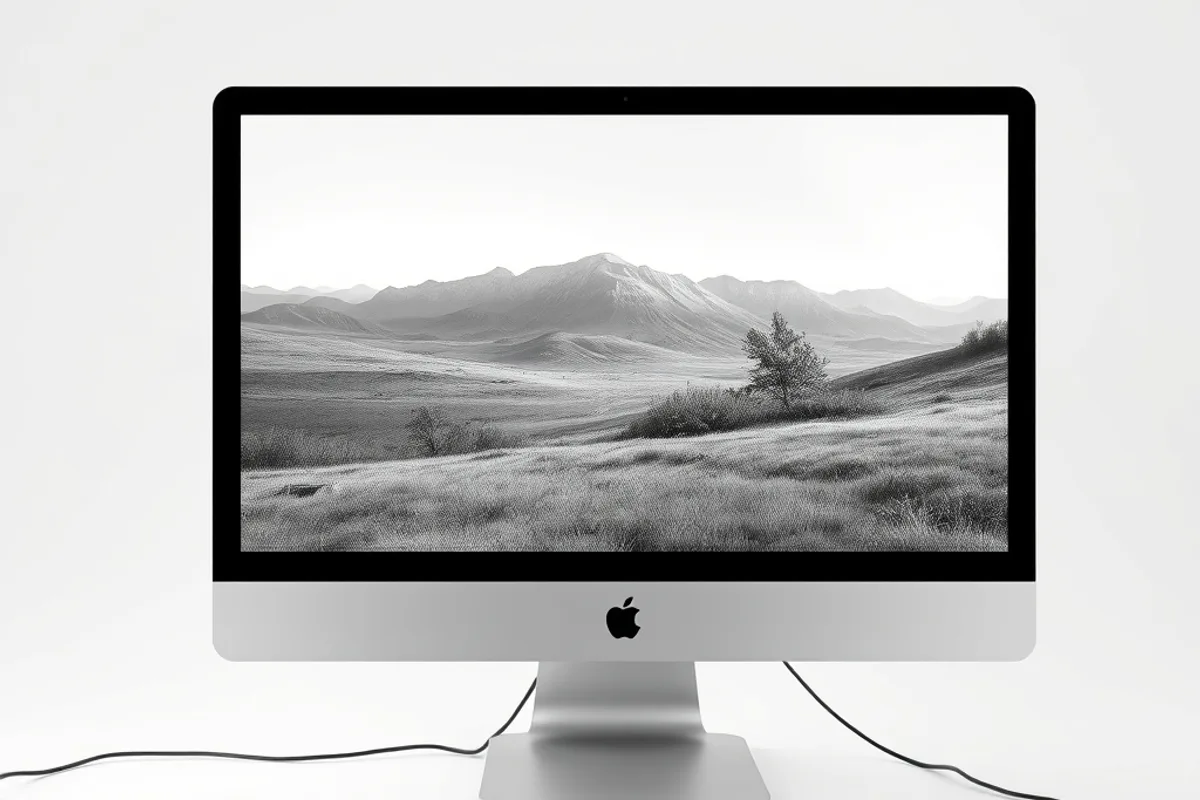
If the shapes still read in greyscale, the composition works. If not, no amount of colour will save it.
Build colour in layers
Start with a flat colour block under the value study, then adjust the study's opacity until you can judge both together. Choose a limited palette: one dominant hue, one supporting hue and one accent. Limit yourself to these for the block-in and add variations only after the large shapes work.
Use layer modes sparingly. Multiply and overlay are powerful, but stacking five of them creates mud that is hard to correct. Instead, paint colour directly on normal layers with a soft brush, then use adjustment layers for global changes. Name every layer as you go; future you will be grateful.
Also see our guide to why analogue craft is returning for a deeper comparison.
Render with intention
Rendering is not polishing everything. Choose two or three areas that deserve detail, usually the focal point and a secondary anchor, and leave the rest loose. In a portrait that might be the eyes and hands. In a landscape it might be the nearest rock and the light on the horizon.
Work from large brushes to small, and from soft edges to hard. Flip the canvas regularly to catch errors your eye has normalised. Take a break every forty minutes and return at a different size, because fatigue makes you overwork one corner while ignoring the whole.
Background: the principles of digital painting.
Check the file, not just the picture
Before exporting, flatten a copy rather than the master. Check the image at 100 percent for stray marks, then at thumbnail size for overall balance. Look at the histogram for clipping in the highlights and shadows, especially if the piece will be printed.
Keep a layered master, a flattened print file and a web export. Name them with the project, version and date. Store the master in two places. Losing a layered file is not a technical inconvenience; it is the loss of every decision you might want to revise.
Finish, then review
Set a hard stop. When the deadline arrives, export the piece even if one corner bothers you. Finished work builds judgement faster than endless revision, and the next painting will benefit from what you learned. Note one thing that worked and one thing to change.
Then put the piece away for a week. When you return, the problems are obvious and the successes are easier to name. Keep a small review document with those notes. Over a year, that document becomes a more useful teacher than any tutorial, because it is about your own habits.
- A written brief with subject, mood, size and deadline prevents most scope creep.
- Three to five thumbnails at around 300 pixels expose weak composition early.
- A three-value greyscale study is the fastest way to test a focal point.
- Limit the block-in to one dominant, one supporting and one accent colour.
- Keep a layered master, a print file and a web export, stored in two places.